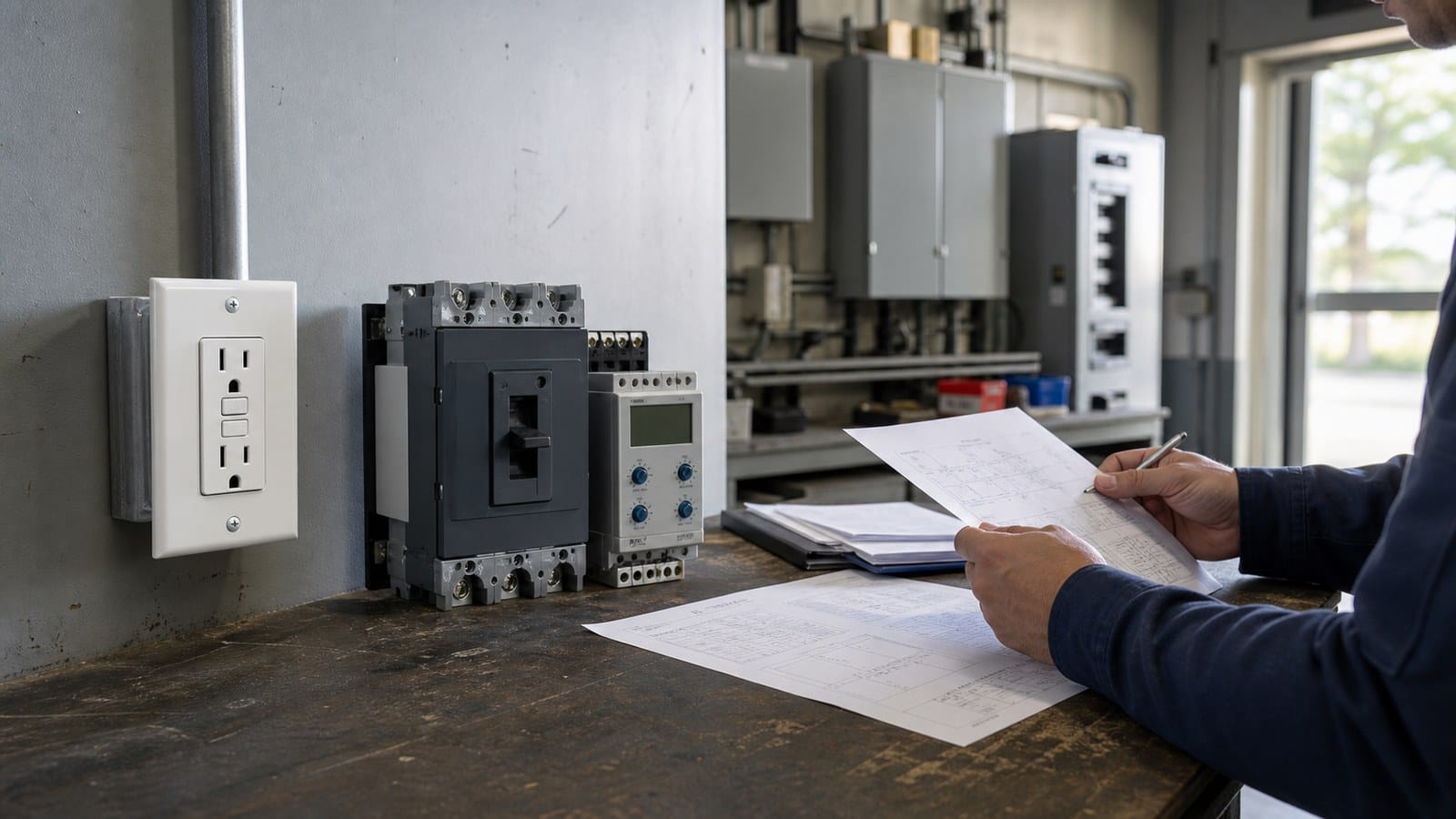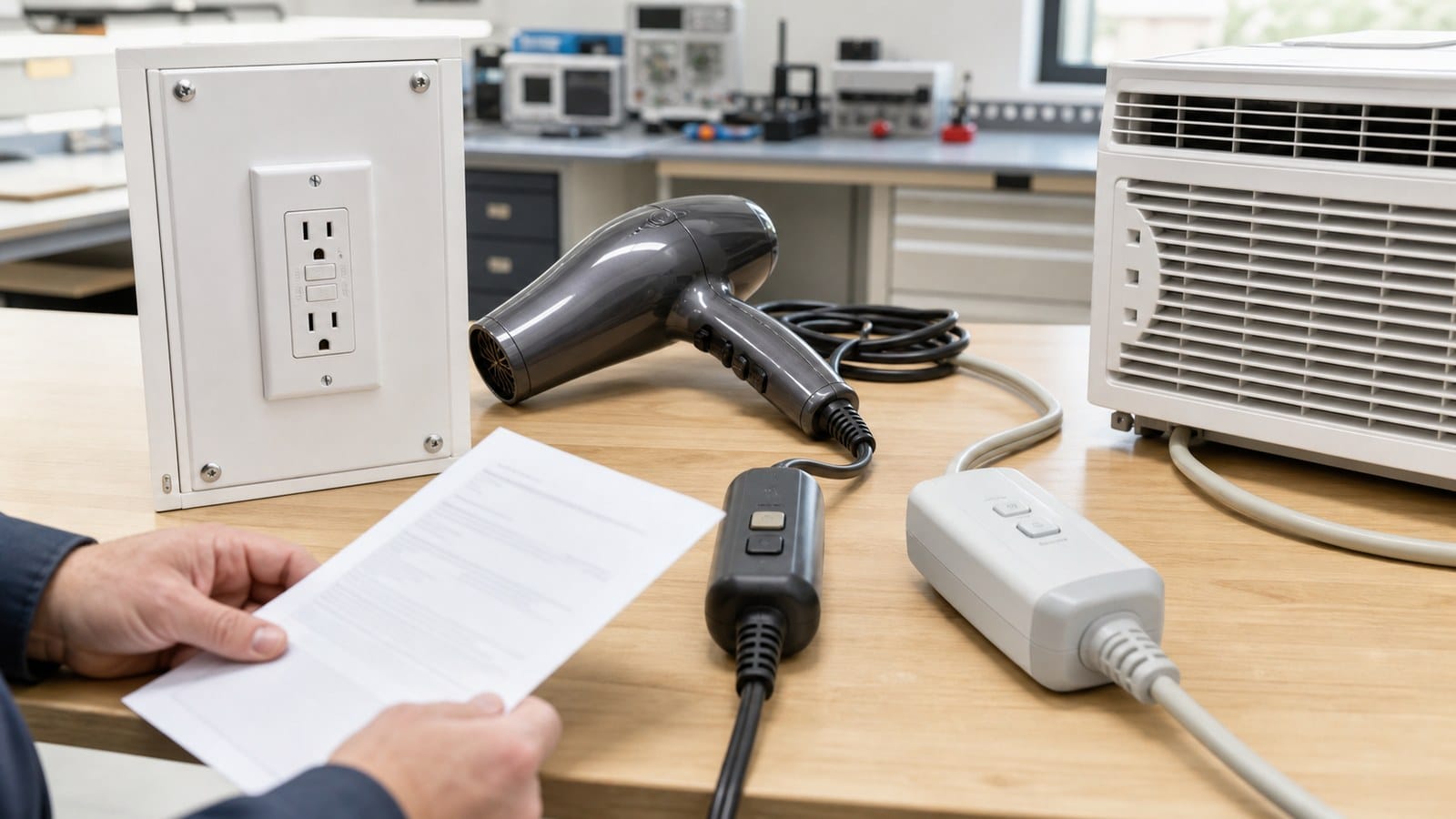
Quick answer: A red light on a GFCI outlet means the device needs attention, but it does not have one universal meaning. Depending on the manufacturer and model, red may indicate a trip, a failed automatic self-test, an end-of-life condition, incorrect LINE/LOAD wiring, or a brief normal flash during power-up or reset. Unplug connected equipment, read the markings or model instructions, press TEST and RESET once if the area is dry and undamaged, and replace the device or call an electrician if the red light continues, the outlet will not reset, or any danger sign is present.
Do not rely on internet color charts without identifying the model. Leviton, Legrand, Eaton, and other manufacturers use different combinations of red, green, amber, steady, flashing, and unlit indicators. Even two product families from the same manufacturer can behave differently.
The safest rule is simple: the device instructions outrank the color assumption.
First, Check Whether the Red Light Is on the Receptacle or the Breaker
A red LED on a wall receptacle and a red LED on a GFCI or dual-function breaker may report different information. Breakers often use timed blink patterns to recall a trip cause, while receptacles commonly use a small face indicator for protection status, trip status, or replacement warning.
Before troubleshooting, identify:
- Receptacle or circuit breaker.
- Manufacturer and exact model number.
- Solid, slow flashing, fast flashing, or one brief flash.
- RESET button in or out.
- Power on or off at the receptacle and downstream outlets.
- Whether the condition started after a trip, outage, installation, moisture event, or appliance use.
If the red light is on the electrical-panel breaker, use that breaker’s instructions. This article focuses on receptacle-style self-test GFCIs.
What a Red GFCI Indicator Commonly Means
| What you observe | Common interpretation | Safe next action |
|---|---|---|
| One brief red flash at power-up or reset | Normal self-check on some models | Confirm the light changes to the normal state described in the instructions. |
| Solid red with RESET button out and no power | Tripped condition on some models | Unplug loads, inspect for moisture or damage, then try RESET once. |
| Solid or flashing red that continues after TEST/RESET | Failed self-test, compromised device, or end-of-life warning on many modern models | Stop using the outlet and replace it after the circuit is checked. |
| Red light immediately after new installation | LINE/LOAD reversal, no proper input power, or installation error may be possible | Do not keep moving wires by trial and error; have the installation verified. |
| No light and no power | Tripped breaker, upstream GFCI, open circuit, or failed device | Check the breaker and other GFCIs before assuming this outlet is defective. |
| Red light with heat, odor, discoloration, buzzing, or moisture | Damage or an active unsafe condition | Switch the circuit off and call a qualified electrician. |
Leviton’s official GFCI LED diagnosis says a continuing solid or flashing red indication after TEST and RESET, or a device that will not reset, calls for replacement. Legrand product guidance uses solid red for a ground-fault trip on some models and flashing red for a failed self-test. Those examples prove why color alone is not a cross-brand standard.
Why Modern GFCIs Have Self-Test Indicators
The face buttons perform a manual test, but many installed GFCIs are rarely tested by users. Auto-monitoring was added to reduce the risk that an internal protection failure stays hidden while the outlet continues to look normal.
UL 943 is the primary U.S. product safety standard for Class A GFCIs. Modern covered products include self-test or auto-monitoring functions that periodically check important protection circuitry. A compliant response to a detected failure may include a visual or audible indication, denial of power, or prevention of reset, depending on device design.
Self-test does not mean “never press TEST.” A periodic internal check may not prove every mechanical part opened the external circuit exactly as intended. Follow the instructions for the manual TEST/RESET routine. Faith’s self-test GFCI requirements guide explains the role of auto-monitoring in more detail.
Safe Troubleshooting: A Five-Minute Decision Sequence
The steps below do not require removing the faceplate or touching wiring. Stop immediately if the outlet is wet, hot, damaged, buzzing, crackling, sparking, or smells burned.
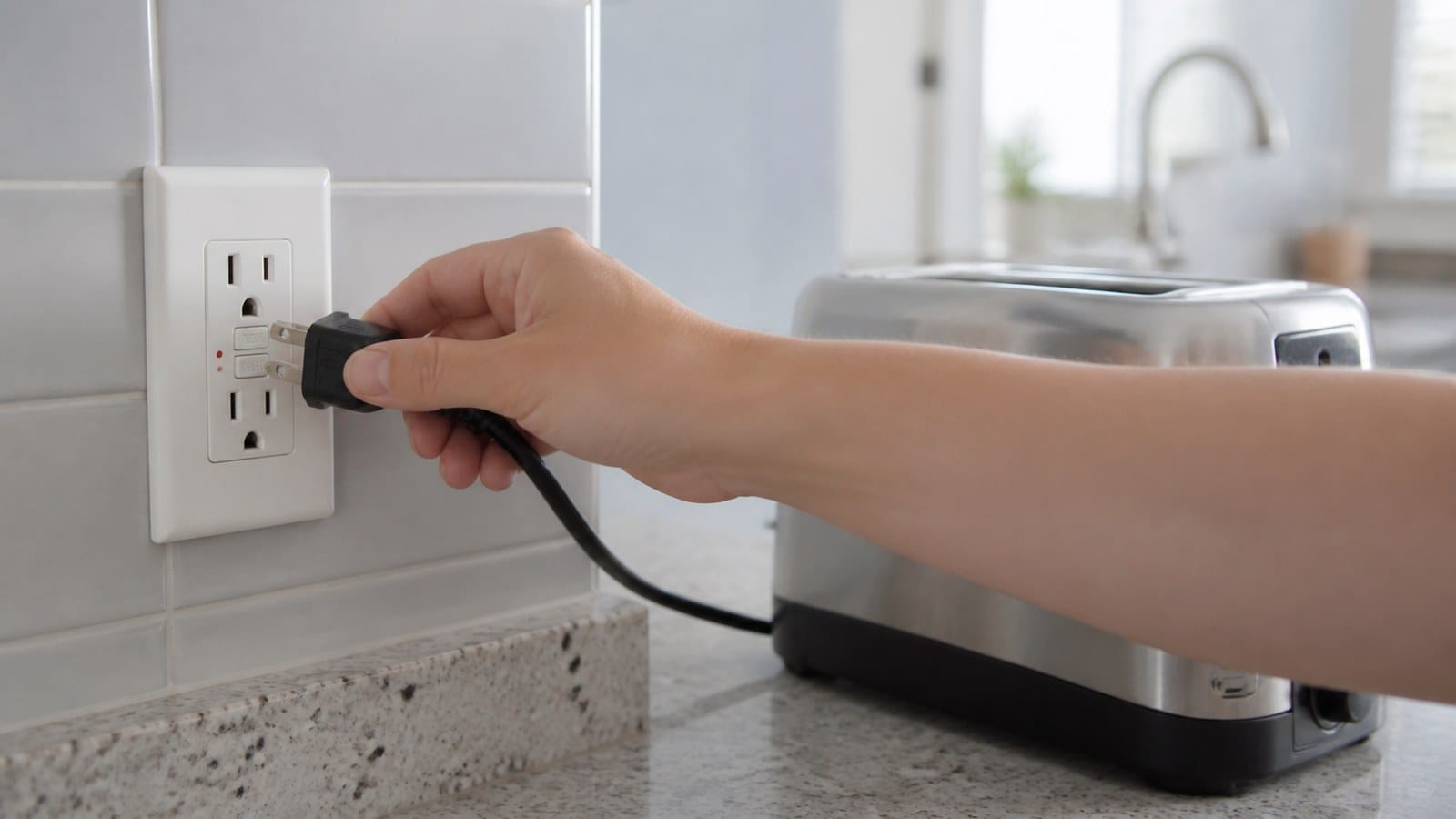
1. Unplug Every Visible Load
Unplug equipment from both receptacle openings and from any known downstream outlets protected by the same GFCI. Include appliances that appear to be off. A switch can stop normal operation while leakage remains present.
Common trip sources include:
- Heating appliances with aging insulation.
- Refrigerators, pumps, and motors.
- Outdoor cords and landscape equipment exposed to moisture.
- Coffee makers, toasters, and countertop appliances with crumbs or liquid intrusion.
- Washers and dishwashers with internal leakage.
- Surge strips or damaged extension cords.
Do not move a suspect appliance to an unprotected outlet to keep using it.
2. Look Without Opening the Box
Check the face, plate, plug, surrounding wall, and enclosure. If you see water, condensation, scorching, cracking, melted plastic, or a loose device, turn the circuit off and stop.
For an outdoor or damp installation, inspect the cover, gasket, box position, drainage path, cord seals, and wall penetration. A weather-resistant receptacle is not waterproof and cannot compensate for a failed enclosure. Faith’s WR vs. TR GFCI guide explains what WR does and does not mean.
3. Reset the Circuit Breaker Properly
A breaker handle can rest near ON after a trip. Move the identified breaker firmly to OFF and then back to ON. If it trips again, leave it off. Repeatedly resetting a breaker into a continuing fault is not troubleshooting.
If several outlets are dead, look for another upstream GFCI in the garage, bathroom, kitchen, laundry, basement, or exterior. One upstream device may protect receptacles in places that do not seem related.
4. Use TEST and RESET Once
If the device and area are dry and undamaged, follow the exact instructions printed on or supplied with the model. A common sequence is:
- Press TEST firmly.
- Confirm the RESET button moves to the tripped position and power turns off.
- Press RESET firmly.
- Confirm power returns and the indicator changes to the normal state described by the manufacturer.
The CPSC GFCI testing guidance explains that the connected lamp or night-light should turn off during TEST and return after RESET. If TEST does not remove power, the device is defective or incorrectly installed and should not remain in service.
If the red condition persists after one correct cycle, stop. Do not hold the RESET button in, tape it, or repeat the sequence until it happens to latch.
5. Reconnect Loads One at a Time
If the GFCI returns to its documented normal state, reconnect one appliance at a time. A device that consistently causes the GFCI to trip should be removed from use and evaluated.
If the GFCI trips with nothing connected, possible causes include downstream wiring leakage, moisture, a neutral problem, incorrect LINE/LOAD connections, or a failed GFCI. Those conditions require circuit diagnosis by a qualified person.
When a Brief Red Flash Can Be Normal
Some self-test receptacles flash red once when power is first applied or when RESET is pressed. Leviton’s self-test indicator guidance specifically notes that a status indicator may flash red at power-on and reset.
The word “brief” matters. A momentary flash that changes to the documented normal indication is different from a persistent solid or repeating red light. If you did not see the beginning of the sequence, wait for the device’s normal status to stabilize and compare it with the exact instruction sheet.
Do not assume that a periodic flash is normal just because the outlet still supplies power. Some failed GFCIs can pass electricity without providing reliable shock protection. The built-in TEST function and the manufacturer’s status definition matter more than whether a phone charger works.
Solid Red vs. Flashing Red: Why the Pattern Matters
Manufacturers commonly use a steady light to show one condition and a repeating flash to show another, but the meanings can reverse between product families.
For example:
- One Legrand self-test family uses solid red for a trip and flashing red for self-test failure.
- Leviton SmartlockPro guidance treats a continuing solid or blinking red light as a condition needing TEST/RESET and replacement if it continues.
- Eaton describes indicator lights that identify tripped and end-of-life conditions, with behavior defined in the model instructions.
The useful diagnostic question is not “What does red always mean?” It is “What does this pattern mean on this model, and did it clear after the manufacturer’s test sequence?”
For distributors and property managers, store the instruction sheet by model number and revision. A generic laminated red/green chart can be unsafe when multiple brands are installed across a portfolio.
Why a GFCI Red Light May Not Reset
A persistent red light and a RESET button that will not latch usually point toward one of five directions.
No Incoming Power
Many reset-lockout designs require correct line power to reset. A tripped breaker, upstream GFCI, loose connection, service switch, or open neutral can leave the device unable to latch.
A Continuing Ground Fault
Moisture, damaged equipment, or downstream cable leakage can remain present after the first trip. Reset lockout is protecting the user by refusing to restore power.
Incorrect LINE and LOAD Connections
Modern devices may deny power when the supply conductors are connected to LOAD instead of LINE. If the problem began immediately after installation or replacement, do not move conductors by color or guess. De-energized identification and correct torque are electrician tasks.
Failed Self-Test or End of Life
If the auto-monitoring system detects that protection is unavailable, the device may light red, sound an alarm, trip, or lock out reset. Replacement is the correct response after the circuit condition is confirmed.
Physical or Thermal Damage
Loose terminations, poor plug retention, surges, corrosion, and repeated heat can damage the device. A red indicator does not make a scorched or hot receptacle safe to reset.
Faith’s related guide covers the broader problem of a GFCI outlet that will not reset.
When to Replace the GFCI
Replacement is appropriate when:
- The manufacturer’s instructions identify the red pattern as REPLACE or end of life.
- The red light continues after the specified TEST/RESET procedure.
- The device fails to cut power during the built-in test.
- RESET will not latch after incoming power and external loads are checked.
- Buttons, contacts, or plug retention are unreliable.
- The face is cracked, discolored, overheated, or contaminated.
- The device has been flooded or exposed to water inside the box.
Replacement should not be used to skip diagnosis. A new GFCI will not fix an active appliance fault, wet box, shared-neutral problem, damaged cable, or reversed LINE/LOAD connection.
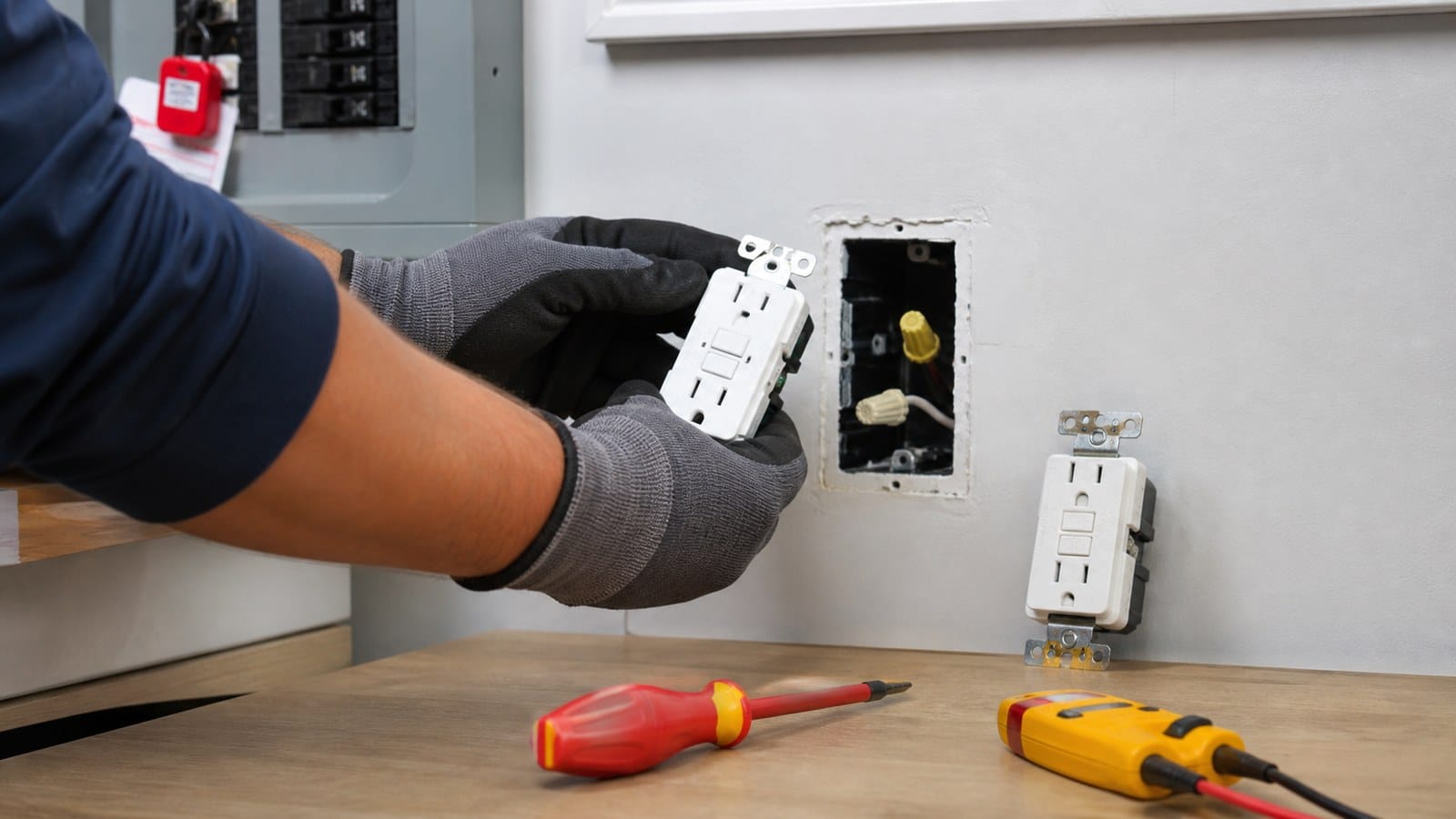
The circuit must be de-energized, identified, and verified before conductors are moved. If you are qualified and the problem has been diagnosed, Faith’s GFCI replacement guide covers the planning sequence. Otherwise, use a licensed electrician.
When to Call an Electrician Immediately
Stop user-level troubleshooting and switch off the circuit if it can be done safely when you find:
- Smoke, sparks, arcing, or a burning odor.
- A hot faceplate, melted plastic, or discoloration.
- Water inside or around the box.
- Buzzing or crackling from the receptacle.
- A breaker that trips again after one reset.
- A red indication with no loads connected.
- A new installation that never worked correctly.
- Multiple dead outlets with no clear controlling GFCI.
- Any need to remove the device, identify LINE/LOAD, or test energized conductors.
The OSHA GFCI overview explains that a GFCI compares outgoing and returning current and interrupts the circuit when the difference indicates leakage. It reduces shock risk, but it does not protect against every electrical hazard, such as contact between hot and neutral.
What Not to Do
- Do not replace a required GFCI with a standard receptacle to stop the red light.
- Do not tape, wedge, or hold RESET in place.
- Do not bypass LOAD protection to hide a downstream fault.
- Do not spray cleaner or water into the device.
- Do not dry a wet receptacle with a heat gun or high-temperature hair dryer.
- Do not trust a green light without completing the functional test required by the instructions.
- Do not assume a plug-in tester replaces the built-in TEST button.
- Do not move wires while energized or identify conductors by color alone.
How to Choose a Replacement Self-Test GFCI
| Selection item | What to verify | Why it matters |
|---|---|---|
| Amperage and configuration | Branch-circuit rating, receptacle face, and project schedule | Prevents installing an incompatible 15A or 20A configuration. |
| Voltage | Device and circuit voltage | Confirms the product is intended for the application. |
| Self-test/reset lockout | Model instructions and failure response | Makes end-of-life behavior predictable. |
| Indicator logic | Steady, flashing, dark, and power-up states | Reduces unsafe assumptions and service calls. |
| TR designation | Dwelling-unit and project requirements | Adds internal shutters where required. |
| WR designation | Outdoor or damp/wet application and enclosure | Matches environmental exposure. |
| Listing | Current NRTL record for the exact model | Supports inspection, acceptance, and traceability. |
| Terminals and box fit | Wire range, torque, conductor count, and device depth | Reduces installation errors and cramped boxes. |
For a project purchase, compare the device, carton, instruction sheet, model number, and certification database as one controlled package. Faith Electric has manufactured wiring devices since 1996. That history does not replace model-level review; buyers should still confirm the current listing and specifications for every ordered SKU.
Maintenance Guidance for Property Managers and Buyers
A red-light support call is easier to resolve when the product program is documented.
- Standardize indicator logic where practical across the property or product line.
- Keep model-specific instructions accessible by QR code, maintenance portal, or turnover packet.
- Record which upstream GFCI or breaker controls downstream receptacles.
- Test devices after installation, after a power event when instructed, and on the manufacturer schedule.
- Remove failed devices from service instead of leaving powered but unprotected outlets in use.
- Track lot or date codes for warranty and quality investigations.
- Train staff to recognize “stop now” signs rather than repeatedly pressing RESET.
For portfolio replacement planning, Faith’s guide to how long GFCI outlets last explains why condition and test results are more useful than a universal calendar age.
FAQ
Why is my GFCI outlet light red but it still has power?
Some devices illuminate red during a trip or self-test condition, while a failed device can sometimes continue passing power. Check the exact model instructions and use the built-in TEST button. If TEST does not cut power or red continues after the specified reset sequence, stop using and replace the device after the circuit is checked.
What does a blinking red light on a GFCI mean?
On many self-test models, repeating red indicates a failed internal self-test or end-of-life condition. On some products, a single brief flash at power-up or reset is normal. The model instructions determine the meaning.
Can I just press RESET when the light is red?
If the outlet and area are dry and undamaged, unplug all loads and follow the manufacturer’s TEST/RESET sequence once. Do not keep resetting a device that immediately trips or remains red.
Why is the red light on after I installed a new GFCI?
Possible causes include reversed LINE/LOAD conductors, no correct incoming power, a continuing downstream fault, or an installation problem. Turn the circuit off and have the wiring verified; do not rearrange conductors by guesswork.
Does a red light always mean the GFCI must be replaced?
No. It can be a trip indicator or a brief normal self-check on some models. Replacement is appropriate when the instructions say so, when red persists after the correct test/reset routine, when the device will not reset, or when the built-in test fails.
How often should I test a self-test GFCI?
Follow the manufacturer’s schedule. CPSC consumer guidance recommends monthly manual testing. Automatic self-testing adds monitoring but does not eliminate the manual TEST button.
Final Takeaway
A GFCI outlet red light is a request for identification, not guesswork. Determine the exact model and pattern, remove connected loads, check for visible hazards, reset the breaker correctly, and perform the manufacturer’s TEST/RESET sequence once. A continuing red light, failed test, refusal to reset, or any heat, moisture, damage, odor, or noise is a stop-and-replace or call-an-electrician condition.
For distributors and project buyers, the best prevention is a consistent self-test product family with clear indicator instructions, current model-level certification, and traceable packaging. That turns an ambiguous red light into a defined maintenance decision.
Safety note: This article provides general troubleshooting and product-selection information. It is not a substitute for manufacturer instructions, the locally adopted electrical code, permits, inspection, or work by a qualified electrician.