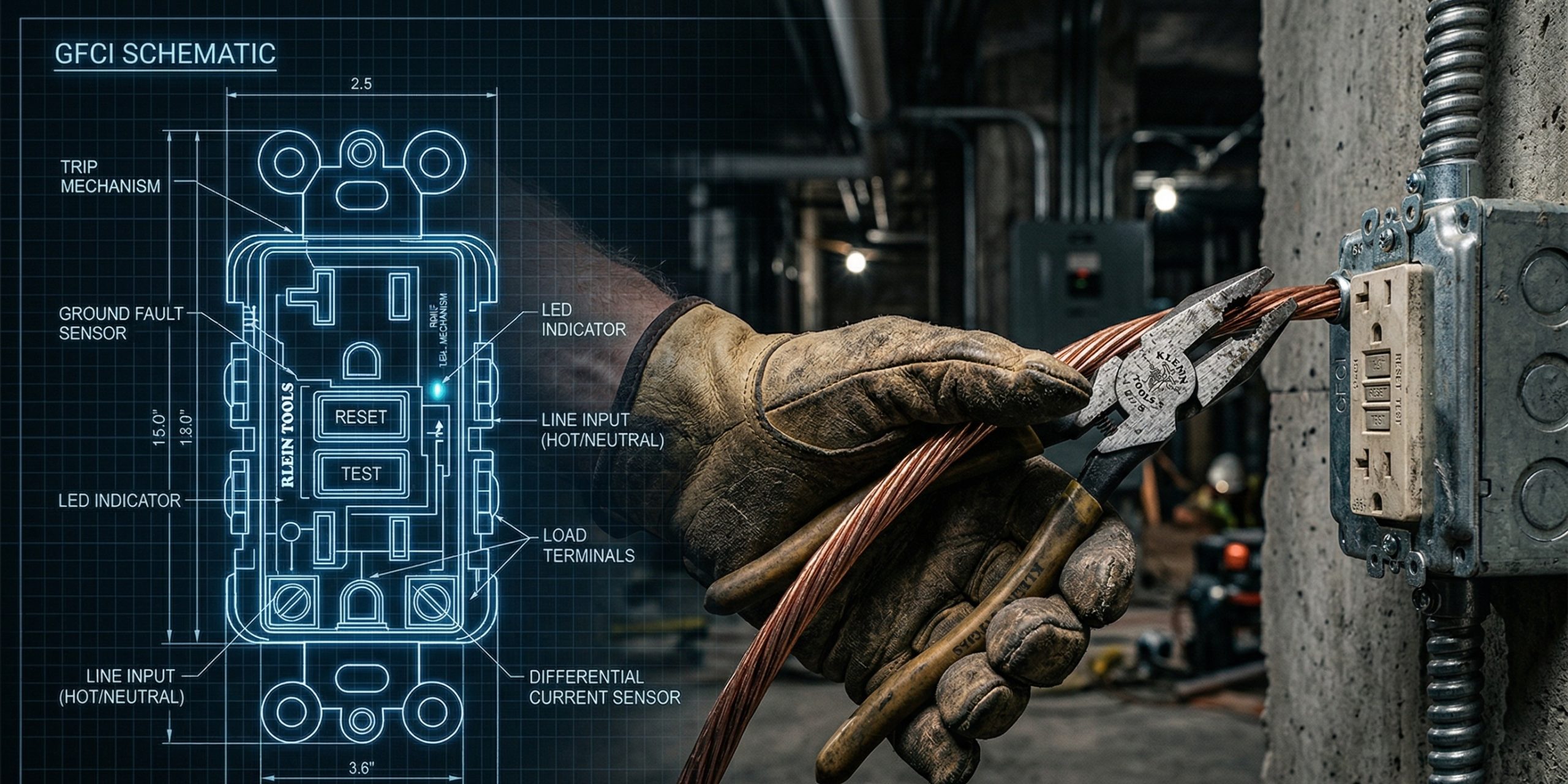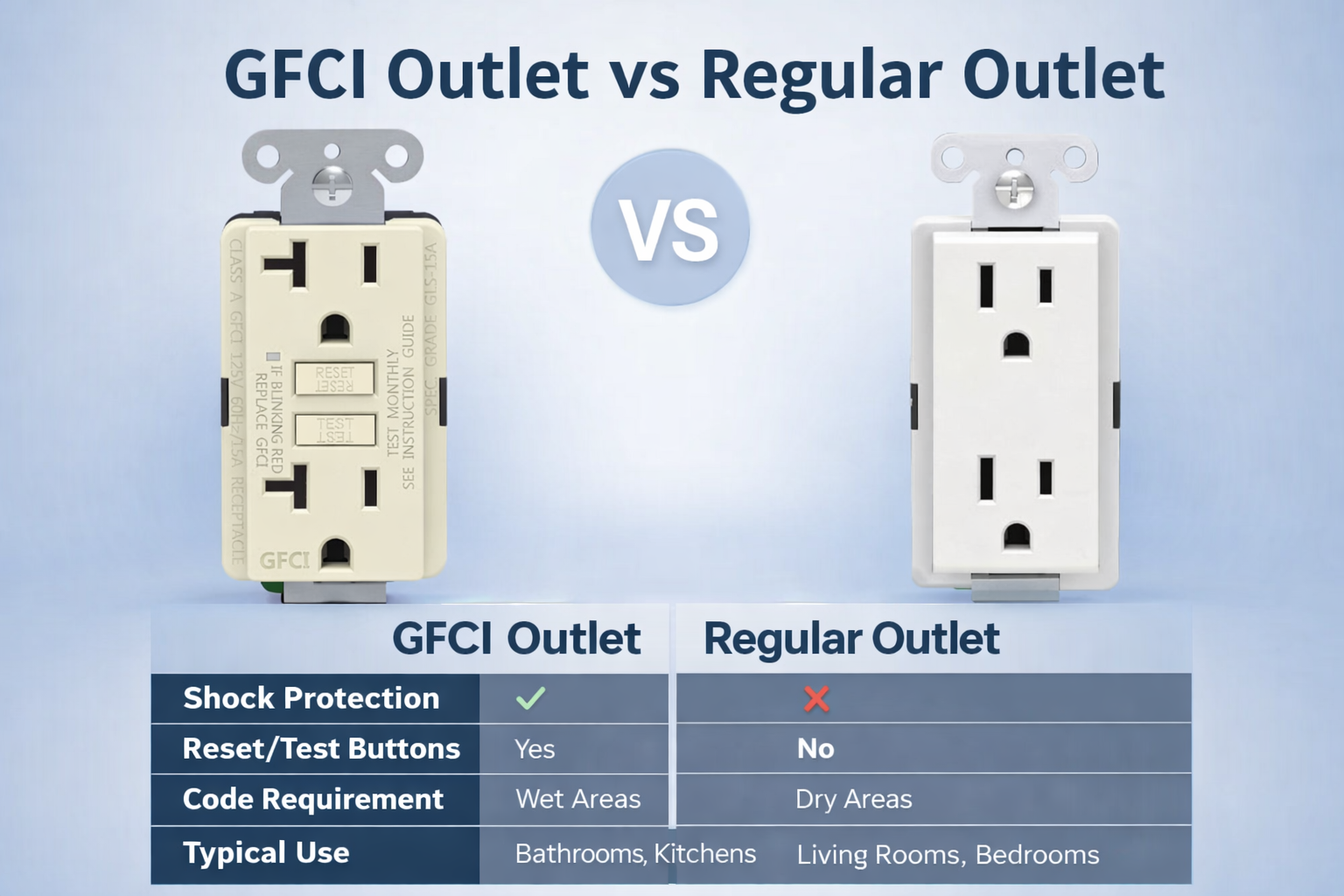
Modern GFCI receptacles built to UL 943 standards since 2015 come with LED status indicators. These lights give you an at-a-glance read on whether the device still provides ground fault protection. Ignore them at your risk. A compromised indicator often means the protection is already gone.
The indicator exists for one reason: to warn you before a ground fault turns into a shock or fire hazard. Self-test GFCIs run automatic checks roughly monthly. If the test fails, the light signals trouble. Solid green usually means everything passes. Anything else—red, blinking, off—demands immediate attention.

Understanding GFCI Status Indicator Lights
Most self-test GFCI receptacles use a multi-color LED to show operational status. Meanings vary slightly by model, so always cross-check the product manual. The patterns below cover the most common behaviors seen across compliant units.
| Status | Common Meaning | Action Required |
| Solid Green / Steady Green | Device passed self-test. Power on. Full ground fault protection active. | None. Normal operation. |
| Solid Red / Steady Red | Self-test failed. End-of-life reached. Protection compromised or lost. | Replace immediately. Do not use. |
| Blinking Red (fast/continuous) | Rapid self-test failure. Internal fault detected. | Attempt reset. If persists, replace. |
| Blinking Red (every 30 seconds approx.) | Periodic self-test in progress (common in many designs). Often normal if green is present and power flows. | Monitor. If no power or reset fails, treat as fault. |
| Flashing White | Some models use white for normal power-on, standby, or self-test cycle. | If power present and reset holds, likely OK. No power? Check wiring/fault downstream. |
| No Light / Off | Tripped state. No power output. Or upstream circuit dead. | Press RESET. If no recovery, replace. |
| Amber / Orange | Trip detected. Self-test in progress. Fault condition in some designs. | Press RESET. Persistent = replace. |
Key point: Blinking red every 30 seconds trips up a lot of people. In many units it’s the self-test heartbeat—proof the device is still checking itself. Green stays solid, power works, reset holds? You’re good. But pair it with no power or failed reset and you’ve got a problem.
Flashing white shows up less often. When it does, it frequently signals correct wiring and normal operation in certain designs. No power behind it? Wiring reversal, open ground, or downstream fault usually.
Common GFCI Status Issues and Troubleshooting Steps
Saw an abnormal light? Don’t guess. Follow these steps in order. Every skipped step leaves a blind spot.
- Press TEST. Device should trip instantly. Light changes (often to red/off). Power cuts.
- Press RESET firmly. Light returns to green. Power restores.
- No reset? Cycle upstream breaker off for 5-10 minutes, then back on. Retry TEST/RESET.
- Still fails? Use a basic outlet tester or multimeter. Check line voltage, ground continuity, hot/neutral orientation.
- Persistent red (solid or fast blink), no reset, or frequent nuisance trips? Device has reached end-of-life or suffered internal damage. Replace it.
Common culprits behind red/amber/no-light:
- Ground fault on the load side
- Reversed polarity or open neutral/ground from original install
- Over 10-15 years old (internal components wear out)
- Moisture intrusion or physical damage
Miss any of these and you risk rendering the entire GFCI protection ineffective.
Why Regular Testing Still Matters (Even with Self-Test)
Self-test is not a free pass. UL 943 requires automatic checks, but manual monthly testing remains the gold standard.
Plug in a lamp. Press TEST. Verify trip. Press RESET. Confirm green light and power return.
Skip this and you can miss slow degradation. Dust, surges, mechanical wear—they all shorten life. A device that self-tests but never gets manually cycled can hide issues until it’s too late.
GFCI Safety Requirements and Best Practices
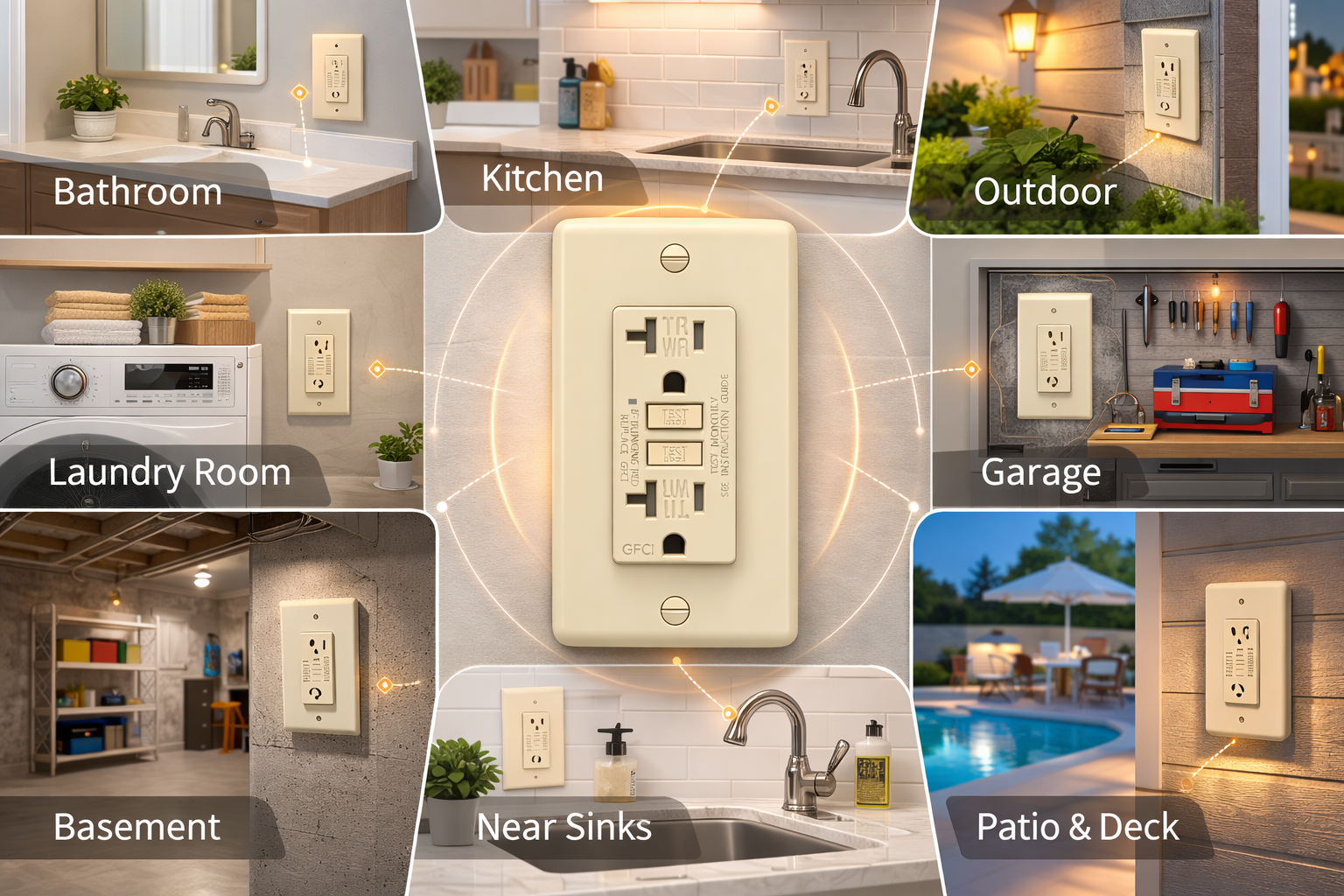
NEC mandates GFCI protection in bathrooms, kitchens, garages, outdoors, basements, laundry areas, pools—anywhere water and electricity mix.
Install only UL-listed self-test models with clear LED feedback. Tamper-resistant (TR) versions block foreign objects. Weather-resistant (WR) for damp locations.
Wiring mistake? Reversed line/load or hot/neutral swap often fakes a “normal” light while protection is gone. Always verify with tester after install.
Ignore a red light or failed reset and you expose the circuit. No second chances with ground faults.
How to Choose a Reliable GFCI Outlets
Look past price. Focus on these:
- UL 943 compliant self-test with multi-color LED indicator
- Rated for 20,000+ trip cycles (real durability metric)
- Clear, unambiguous light feedback (no vague single-color designs)
- Tamper-resistant and/or weather-resistant as needed
- Manufacturer that stands behind end-of-life notification
Cheap units often cut corners on test circuitry or LED clarity. You pay later in callbacks or worse.
Expect to spend $15-30 for a solid one. It’s cheap insurance against a $0 liability claim.
FAQ
Why does my GFCI blink red every 30 seconds?
Common self-test cycle. Normal if green is present, power flows, and reset holds. No green or no power? Faulty unit.
Why is the light flashing white?
Often normal power-on or self-check in some models. No power output? Wiring issue or downstream ground fault.
Green light but no power?
Upstream breaker tripped, loose connection, or miswired. Not a GFCI failure.
Red light on—can I still use it?
No. Protection is likely compromised. Replace before someone gets hurt.
How often should I test manually?
Monthly. Self-test helps, but your finger on the button catches what automation misses.
Final Word
The status indicator is your first and often only warning that ground fault protection has failed. Treat red, off, or persistent abnormal lights as red flags. Reset fails? Replace. No exceptions. Check yours today. If the light tells a bad story, act on it.
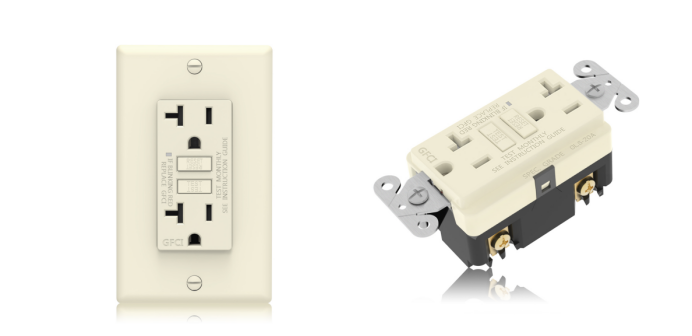
Discover Faith Electric, your professional electrical manufacturer specializing in safety-focused electrical outlets. Our GFCI and AFCI outlets are built for durability and can withstand up to 20,000 trip/reset cycles, far exceeding the 6,000-cycle requirement set by UL standards. For reliable, ongoing ground fault protection, these GFCI receptacles feature automatic self-testing. A steady green LED indicator confirms the device is operating normally. Suitable for installation in bathrooms, kitchens, garages, basements, and other high-risk areas.
Contact us today to request a free sample.

References / Data Sources:
www.ul.com